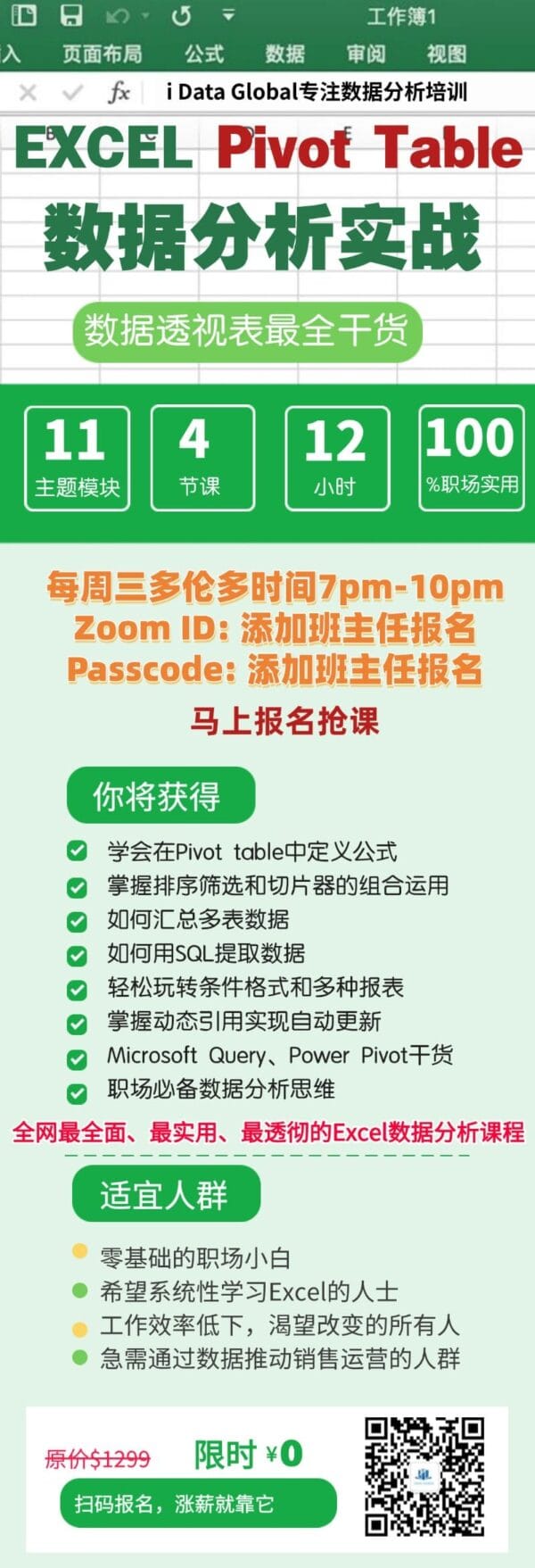
Excel Pivot Table 15-Hour Hands-On Training
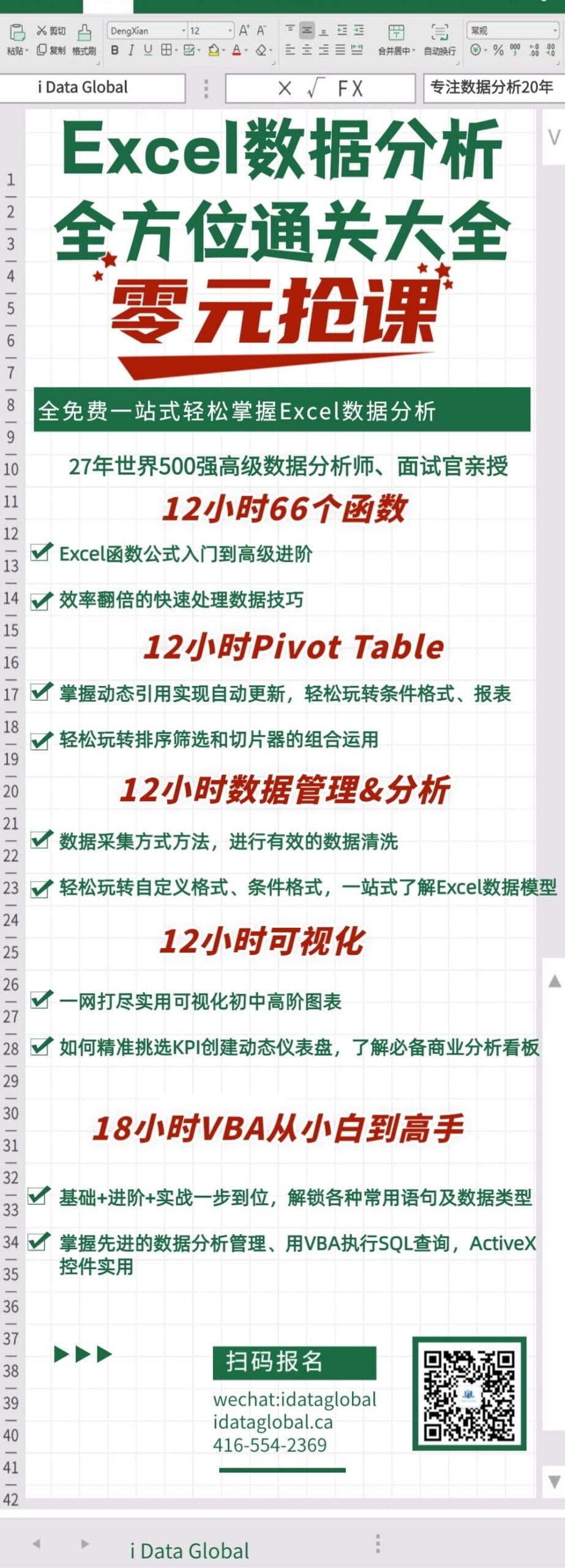
Taught by a senior data analyst and interviewer with 27+ years of Fortune 500 experience. This fully free course takes you deep into mastering Excel Pivot Table analysis skills.
Course Content
- Pivot Table fundamentals
- Advanced Pivot Table combinations
- Custom formulas within Pivot Tables
- Sorting, filtering, and slicer-driven analysis
- Consolidating data from multiple tables
- Extracting data with SQL
- Conditional formatting and report creation
- Dynamic references and automatic updates
- PowerPivot data modeling and analysis
Schedule
Free Live Sessions: Every Wednesday, 7pm–10pm (Toronto Time)
Free Replays: Every Sunday, 2pm–5pm (Toronto Time)
Who Should Attend
- Beginners: Anyone who wants to master Pivot Tables and Excel analytics
- Career Advancers: Professionals aiming for promotions or raises
- Data-heavy professionals: Ideal for finance, marketing, operations, and analysis roles
Course Highlights
- Taught by a senior Fortune 500 data analyst using real business cases
- Full coverage from basic to advanced Pivot Table applications
- Free lecture notes and downloadable datasets
- Weekly live and replay sessions for flexible learning
- Highly practical content aligned with real workplace tasks
- Live Q&A ensures questions are answered immediately
Learning Outcomes
By the end of the course, you will be able to perform advanced data analysis using Pivot Tables and apply PowerPivot for large-scale data scenarios.
You will progress from beginner to advanced level, capable of handling complex analytical tasks independently and significantly improving workplace productivity.
Enroll now and gain a competitive edge in your career!